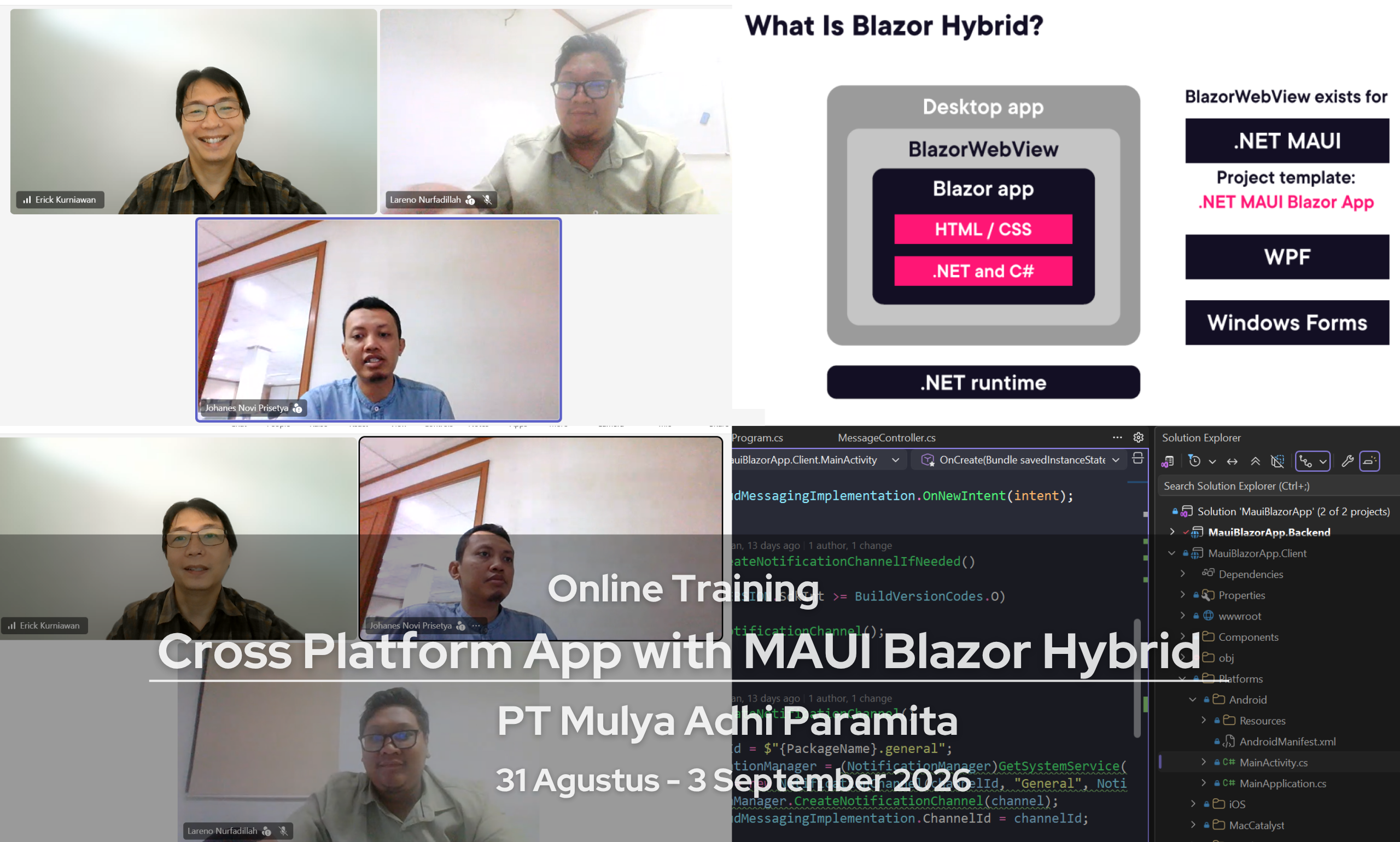
Pada tanggal 31 Agustus – 3 September 2026 telah dilangsungkan online training dengan judul App Development with MAUI Blazor Hybrid. Training ini diikuti oleh peserta yang merupakan software developer dari PT Mulya Adhi Paramita (ChemStation Asia), Jakarta.
Pelatihan Blazor Hybrid ini dirancang untuk developer .NET yang ingin membangun aplikasi cross-platform (Windows, Android, iOS) dengan performa tinggi dan antarmuka modern, menggunakan kombinasi Blazor dan .NET MAUI. Peserta akan mempelajari bagaimana memanfaatkan teknologi web (C#, Razor, dan HTML/CSS) sekaligus mengakses fitur native device. Dalam pelatihan ini, peserta akan mengembangkan aplikasi nyata yang memanfaatkan fitur-fitur penting seperti geolocation, peta (map), dan notifikasi, sehingga aplikasi dapat berinteraksi langsung dengan lingkungan pengguna secara real-time.
Materi yang dibahas dalam pelatihan ini meliputi:
- What is Blazor Hybrid
- Development machine setup for Blazor Hybrid
- Blazor Hybrid solution architecture and deployment overview
- Create a NET MAUI Blazor App
- Explore the Project
- Razor components in Blazor Hybrid
- Add a component
- Data binding and events in Blazor Hybrid
- Data binding and events
- Adjust the Look of the App
- Add a Blazor Component
- Create a Sample Service
- Inject the Service into the Component
- Display the Loaded data from services
- Load service with HttpClient
- Reuse Code with Razor Class Libraries
- Create a Razor Class Library
- Add Components to the Library
- Use the Library in NET MAUI
- Adjust the Router to Load the Page
- Use the Library in Blazor Hybrid
- Register an interface in Blazor Hybrid
- Understand Security in Blazor Hybrid
- Create a Custom AuthenticationStateProvider
- Explore the CustomAuthStateProvider
- Use the AuthorizeView
- Add Login and Logout Logic
- Navigate to Home after Logging Out
- Use the Authorize Attribute
- Show the Logged in User
- Work with Roles
- Move Components to the Library
- Create a WPF Project
- Add a BlazorWebView
- Set up Dependency Injection
- Register Required Services
- Include the Styles
- Mix and match native and web
- Share code between Blazor Hybrid and Blazor Apps
- Blazor Hybrid recap and resources
- Create ASP.NET Core API for backend
- Using ASP.NET Core Identity to Authorization and Authentication
- Using JWT Token
- Access backend REST API from Blazor Hybrid
- Working with Local Data (offline data) in Blazor Hybrid
- Publish the NET MAUI Blazor App
- Publish the Android App
- Access platform features in Blazor Hybrid
- Geolocation, Geocoding, and Map with Blazor Hybrid and .NET MAUI
- Local Notification with Blazor Hybrid
- Push Notification with Blazor Hybrid and .NET MAUI
- Study Case