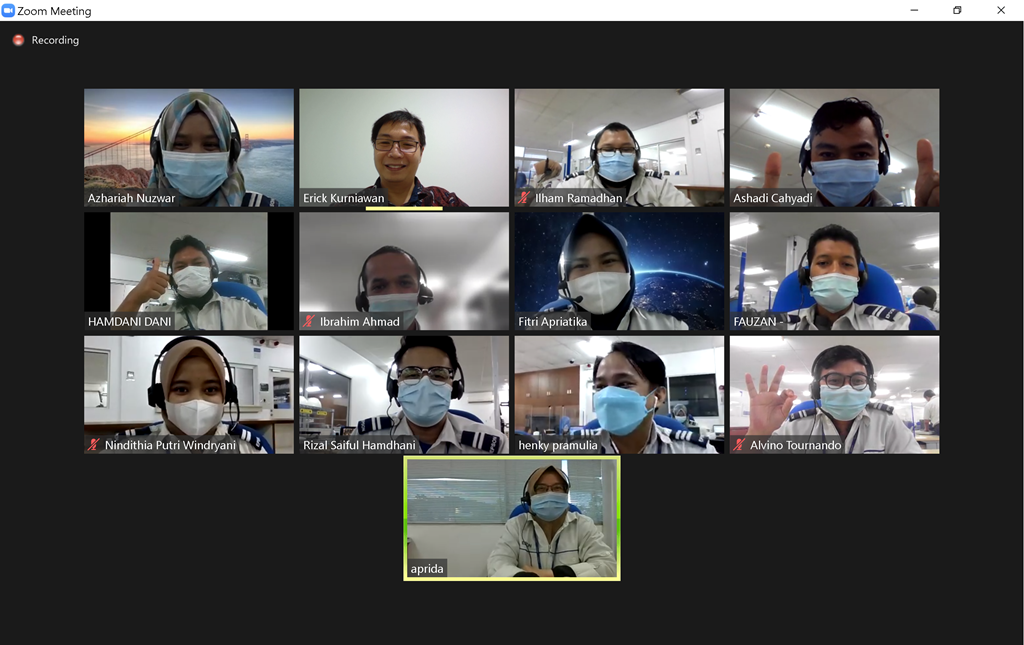
Pada tanggal 11-15 September 2021 telah dilangsungkan online training dengan judul Designing & Building Enterprise Blazor Application. Training ini diikuti oleh 11 orang peserta dari PT EPSON Batam.
Blazor adalah framework yang dapat digunakan untuk membangun aplikasi SPA (Single Page Application). Dengan Blazor anda dapat membangun front-end Web UI yang interaktif dengan menggunakan C# tanpa harus menggunakan JavaScript. Blazor dapat menjalankan kode C# pada sisi client browser (sama seperti javascript) menggunakan WebAssembly. Aplikasi Blazor terdiri atas reusable web UI components yang diimplementasikan dengan menggabungkan C#, HTML, and CSS. Kode untuk client dan server dapat ditulis menggunakan C# sehingga memudahkan pengembang untuk berbagi kode dan libraries.
Pelatihan ini akan mengeksplorasi topik arsitektur yang penting pada Blazor seperti dependency injection dan routing secara mendalam. Pertama, Anda akan melihat cara menggunakan dan berbagi komponen yang reusable untuk meningkatkan produktivitas Anda. Selanjutnya, Anda akan mendalami komunikasi HTTP di Blazor, membantu aplikasi web Anda berinteraksi dengan berbagai API. Terakhir, Anda akan menjelajahi konsep form yang lebih canggih dan best practice untuk menggunakannya. Setelah selesai mengikuti pelatihan diharapkan peserta akan lebih siap untuk menerapkan lebih banyak konsep, pola desain, dan fitur dunia nyata.
Adapun detail materi pada pelatihan ini adalah sebagai berikut:
What is Blazor?
• Introduction
• Developing Rich, Client-side UIs With Blazor
• Getting Started With Blazor
• Demo: Getting Started with Blazor
• What Is Blazor Server and Blazor WebAssembly
• Demo: The Difference between Blazor Server and Blazor WebAssembly
Building Your First Blazor Application
• Hello Blazor
• The Different Hosting Models of Blazor
• Understanding File New Project
• Demo: Exploring a New Blazor Project
• Creating Your First Blazor App
• Demo: Creating Your First App
• Demo: Adding Your Own Layout
• Demo: Debugging a Blazor App
Working with Data
• Accessing Real Data from a REST API
• Working with the HttpClient
• Accessing RESTful API with OAuth2/JWT
• Creating a Form
• Demo: Testing the Data Binding Features of Blazor
• Forms in Blazor
• Demo: Adding the Add Employee Form
• Demo: Adding More Components
• Demo: Saving the Data
• Adding Validation to the Form
• Demo: Adding Validation
Designing and Architecting Blazor Applications
• A Case for Blazor
• Understanding Blazor Hosting Models
• Blazor Design Patterns
• Demo: Setting up the Sample Application
• Understanding the Application Architecture
• Demo: Exploring the Sample Application
• Demo: Refactoring a Page Using Components
• Demo: Improving the Component’s Reusability
Working with Dependency Injection and Application State
• Dependency Injection Fundamentals
• Dependency Injection with Blazor
• Demo: Improving Components Using Dependency Injection
• Demo: Using Dependency Injection with Services
• Benefits of Dependency Injection
• Demo: Managing Dependency Implementations
• Demo: Leveraging Provided Services
• Understanding Service Lifetimes
• Working with Service Lifetimes
Enhancing the Application for the Enterprise
• Understanding the Blazor Routing System
• Understanding Blazor WebAssembly Routing
• Demo: Touring the Blazor Routing System
• Exploring Additional Routing Features
• Demo: Enhancing the Application’s Routing Features
• Understanding Component Reusability
• Demo: Distributing Our Components as NuGet Packages
• Demo: Enhancing Our UI Using NuGet
• Exploring Application State
• Demo: Managing Application State Using Browser Storage
Deploying Your Application
• Server Requirements
• Demo: Deploying the API
• Demo: Deploying the Blazor Application
• Deploy to VM Server with IIS

 Actual Training